


![Everything to Do After You Get the BitPay Wallet App [2023] | BitPay](https://papanews24.com/wp-content/uploads/https://bitpay.com/blog/content/images/2023/10/first-10-things-to-do-with-bitpay-app.jpg)
[ad_1]
The BitPay app offers a variety of features and functions fit for the crypto newbies and power users alike. To ensure you’re using it to its fullest potential, we’ve created this guide of important features you shouldn’t miss.
1) Create a basic wallet or import an existing wallet
As soon as you download the BitPay app, you should create a new wallet or import an existing wallet. Once you’ve successfully added a wallet, your BitPay app will be ready to use.
2) Back up your wallet
Before taking any other actions, the most important thing you can do is back up your wallet. The BitPay Wallet is a self-custody wallet, meaning that you, and only you, have access to your funds. BitPay has no ability to access, recover or restore your wallet and its funds.
To back up your wallet, you’ll record your wallet’s seed phrase (also known as a recovery phrase). To restore your wallet, you’ll enter your secret phrase.
⚠️
Important! BitPay will never ask you for your private keys or seed phrase. If anyone asks for this information, they are likely trying to scam you. Never give out this information to anyone you don’t want to have access to your funds.
3) Buy Crypto

Buying crypto directly in the app is the easiest way to load your wallet. BitPay offers 60+ cryptocurrencies for sale with fast, secure delivery. Even better, we pull offers from several partners and highlight the best deal, ensuring you get the most crypto for your money. Choose your preferred payment method: buy crypto with a credit card, debit card, bank account, Apple Pay or Google Pay.
4) Get the BitPay Card
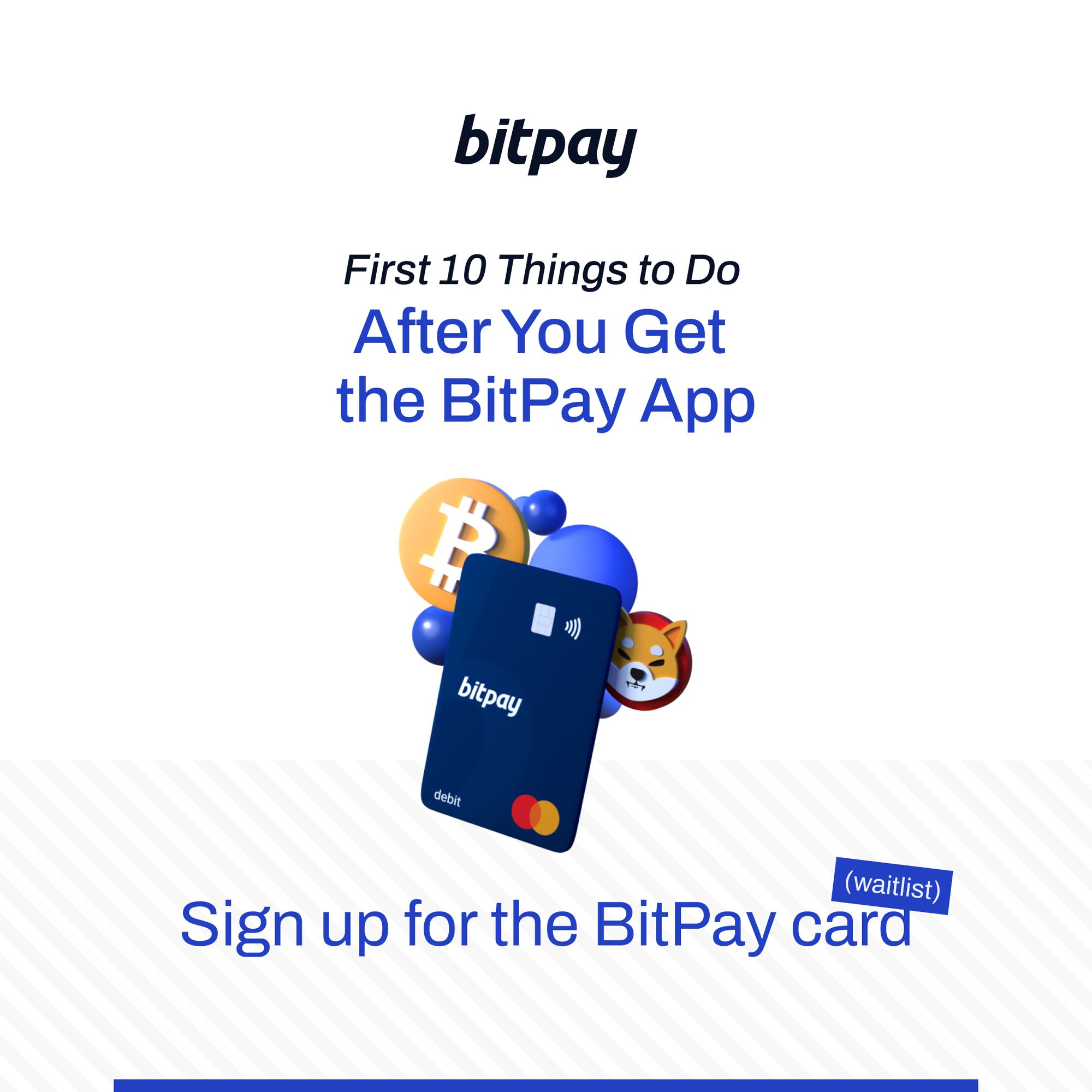
The BitPay Card is a crypto debit card which you fund directly from your wallet. Load and spend crypto anywhere that major debit cards are accepted. You can even use it to instantly turn crypto into cash at ATMs. Sign up for the BitPay Card waitlist to be the first to know when it’s available.
5) Spend crypto with a BitPay merchant
The BitPay Wallet is the most popular wallet used to spend crypto. With a 99.99% payment success rate, it’s secure, convenient and seamless to pay with crypto from your wallet.
Shop with hundreds of merchants that accept direct crypto payments. BitPay supports paying with all of the top cryptocurrencies, including Bitcoin (BTC), Litecoin (LTC), Ethereum (ETH), Polygon (MATIC), Bitcoin Cash (BCH), Dogecoin (DOGE), Shiba Inu Coin (SHIB), USD Coin (USDC), plus all of the other top stablecoins.
6) Send and receive P2P payments
At its core, cryptocurrency is a way to transfer value without any centralized authority like a bank or government. P2P (peer-to-peer) payments are an easy way to send crypto and receive crypto from friends, family or anyone else for that matter. The process is simple and similar to other money transfer apps.
7) Swap crypto
Crypto swapping allows you to instantly trade one cryptocurrency for another, with no crypto-to-fiat exchange required. Swapping directly from the BitPay Wallet is an easy way to maintain full control over your crypto conveniently in one place. BitPay partners with Changelly to facilitate low-fee swaps for over 50 coins across the most popular blockchains.
8) Buy gift cards
Buy gift cards with crypto for your favorite brands including Hotels.com, Best Buy, Walmart and more. Use the BitPay app or extension to instantly reload gift cards or send to friends and family.
9) Pay your bills with crypto
Experience the freedom of paying bills without traditional payment rails. Make bill payments on everything from credit cards to mortgages, all from the BitPay app.
10) Create a multisig wallet
Multisig wallets, also known as shared wallets, are a type of crypto wallet that require two or more signatures to confirm and send a transaction. Multisig wallets also help protect against funds lost due to misplacing your seed phrase. When using a single-signature wallet, a lost seed phrase could render a wallet’s funds irretrievable. But with a multi-sig wallet funds can still be recovered with the other seed phrases.
[ad_2]
Source link
